
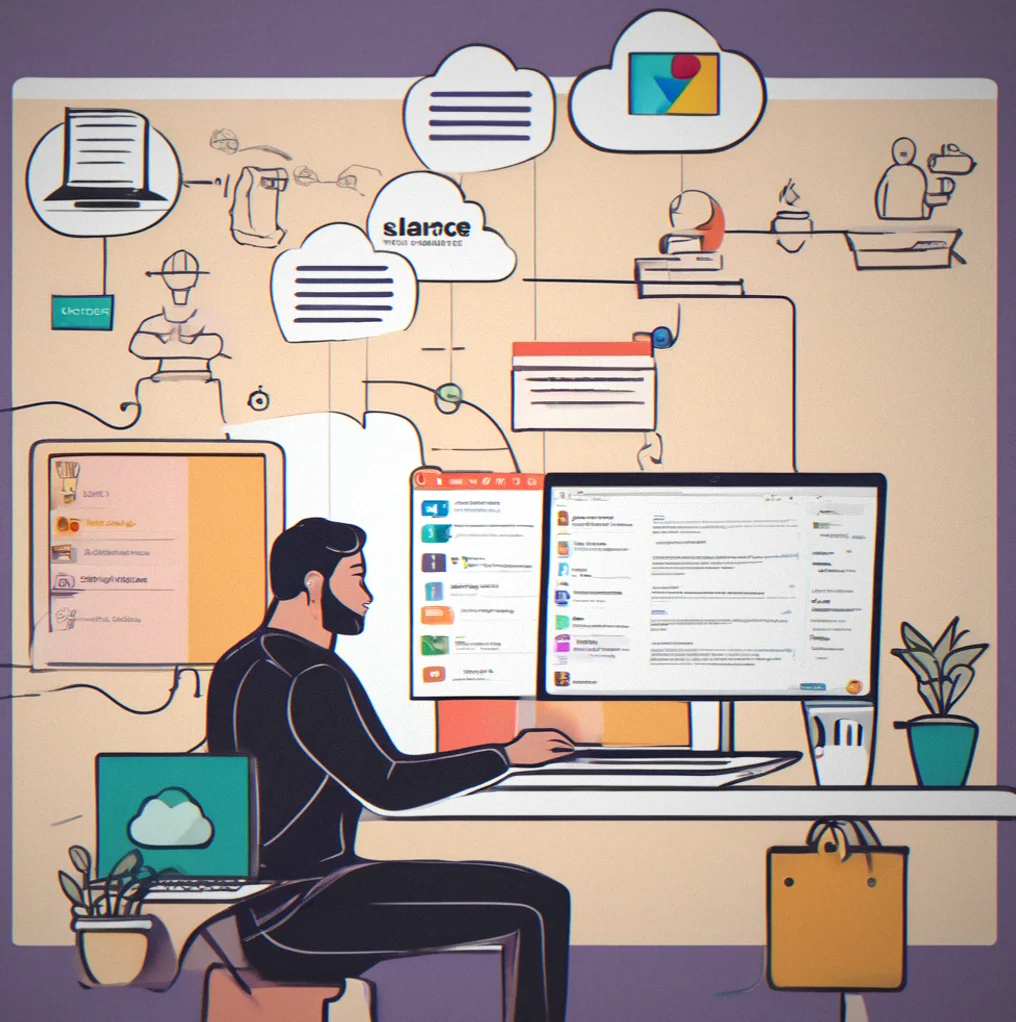
Multi-platform indexing
Connect email, Slack, Teams, Google Drive, OneDrive, shared folders. Pick all of them or just the ones you use. Index everything. Search once, find everywhere.

Built for consultants, lawyers and accountants
Stop digging through email, Slack, and cloud drives looking for client stuff.
Where did that email end up? You know the drill—you're 45 minutes deep searching for something from half a year back, or a compliance question brings up a file you'd forgotten about, or suddenly you need an audit trail that doesn't exist. MellowLedger sits right between your email and file storage, pulling in client communications and regulatory documents automatically so when a regulator calls, a client asks, or your team needs something, it's actually findable.
Configure it once and you're done searching. No spreadsheets to maintain, no "hey do you know where this is"—just a system that quietly archives what matters and keeps sensitive correspondence ready to pull up.
How it actually works
You're not learning a new app. Email is still email. Slack is still Slack. Teams is still Teams. MellowLedger just hooks into whatever you're already using—quick OAuth setup takes a couple minutes—and starts sorting through your messages as soon as you flip the switch. Files get organized by who they're for, what project they belong to, when they arrived. No manual filing. No spreadsheet nonsense. No digging around wondering which conversation had the thing.
Fast forward a few months and suddenly a compliance issue pops up or a client claims you promised something you didn't. One search. That's it. You pull up the email chain, the approval, the note about scope changing, the invoice—all connected, timestamped, ready to go. If you work in legal, accounting, or consulting where audits are just part of the job? The retention policies took care of themselves. The audit trail knows who touched what and when. Everything stayed encrypted until you actually needed to see it. Compliance stops being this thing you have to manage. It just... happens.
That matters.
Four problems that go away.
That email from a year and a half back. A client attachment you saved to three places. Scope changes your predecessor documented. MellowLedger pulls everything together—email, Slack, Teams, shared drives—and keeps it findable. No more digging through your Downloads folder hoping something's there.
Retention rules handle themselves. Access logs show who opened what and when. Encryption happens without you doing anything. When an audit comes around, your archive is already sorted, timestamped and ready to go. Regulators notice.
One search box covers everything. Find a phrase, a name, dates. Results give you context—the whole email thread, not just a filename. You don't need to open seven windows to figure out if you have the right document.
A new person needs past client emails. A client pushes back on a deadline. You have to confirm a scope change happened. It's there. Your people do their actual jobs instead of treating you like a filing cabinet.
Eight things that solve real problems.
Connect email, Slack, Teams, Google Drive, OneDrive, shared folders. Pick all of them or just the ones you use. Index everything. Search once, find everywhere.
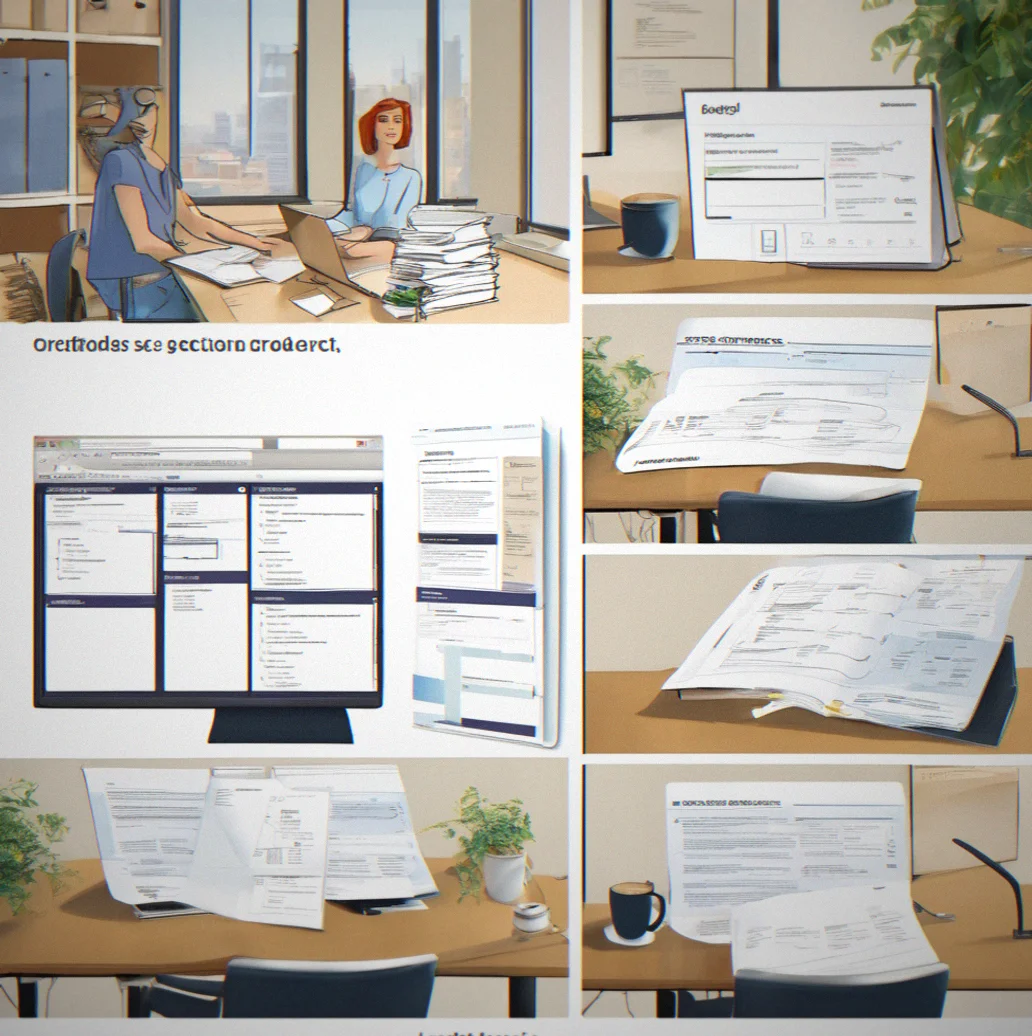
Messages, emails, documents all sort themselves by client and project. No manual tagging required. No spreadsheets to maintain.

You get who opened what file, when they opened it and what they did. Built in. No need for a separate audit tool.

Look for phrases, dates, client names, or words buried deep in attachments. Results come back with the full message thread so you see what actually happened, not just filenames.
Set it and forget it. Documents delete automatically when retention expires or stay permanently if compliance demands it. You set the rules. We handle the rest.
Clients see only their own files. They request documents through the portal instead of emailing you repeatedly. Upload once and they can access it whenever they need.

Everything encrypted at rest and in transit. Keep encryption keys separate if you want. We never decrypt your data. Not for analysis, not for anything.
Leave whenever. Take all your data with you. Full export includes metadata, timestamps, and folder structure. No surprises.

You Wrap up a consulting engagement. Two years later, a client dispute shows up. Now you're scrambling to prove scope, approvals, change orders, what you Actually delivered. Everything's spread across email, Slack, shared drives, maybe your assistant's folder somewhere. Finding it all takes days. The client's legal team is waiting. Your insurance broker wants answers. Time's ticking. When your files are scattered like this, you're not just dealing With inefficiency—you're exposed.
A lawyer digs up a retainer agreement from years back. An accountant gets audited and regulators want client correspondence from a specific month. An agency has to show they delivered exactly what the contract said. This isn't theoretical. It's what happens. MellowLedger archives your communication with timestamps and makes it actually findable. When these moments come—and they do—you have what you need. Not scrambling to piece things together. Already there.
Most small firms are still drowning in email folders when it comes to client records. It's messy, it's risky, and honestly it's not even organization. See what changes when everything lives in one place instead of scattered across email, Slack, Teams and wherever else.

Your platforms stay in sync

Everything groups itself by client
Finding things takes maybe five seconds
Clients grab their own files
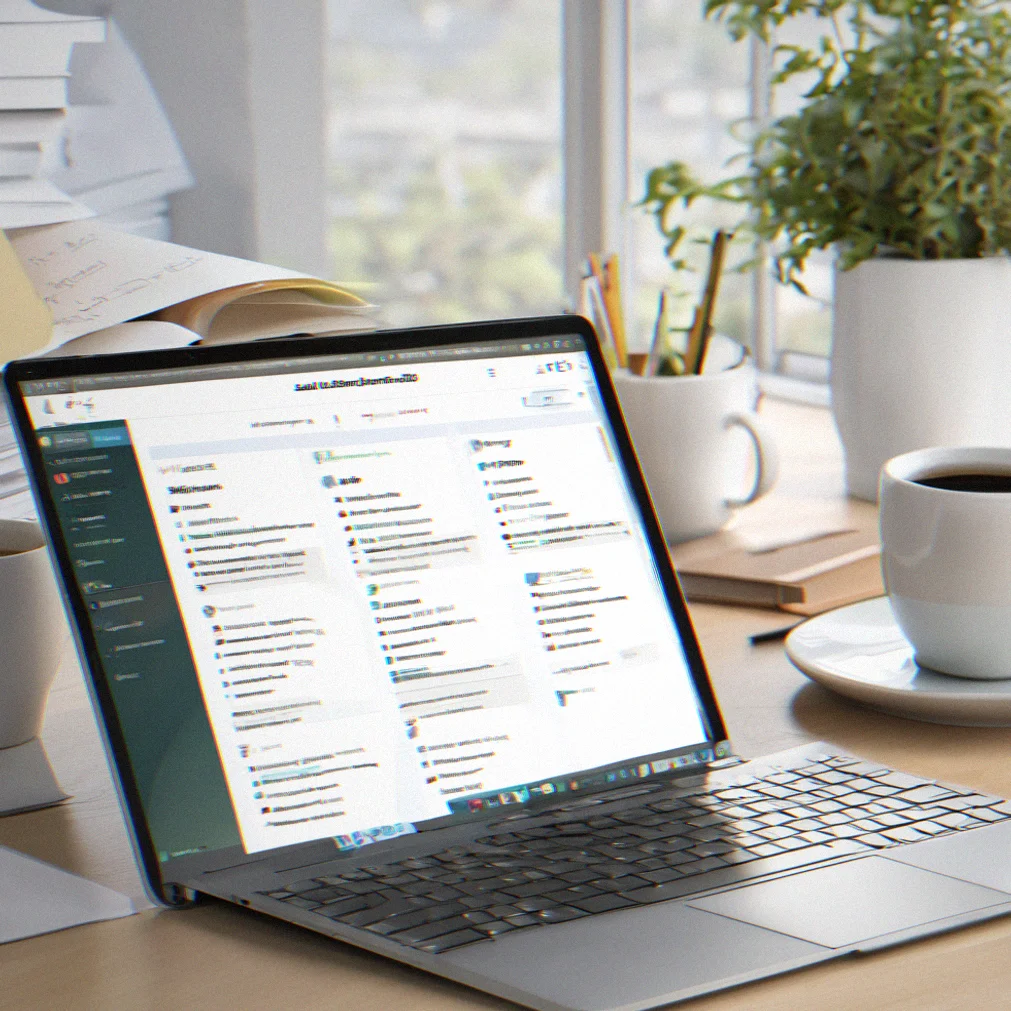
You've got a record of everything

Compliance runs on its own
Six things that let you stop juggling files across email, Slack and shared drives.

Your documents show up from everywhere—email attachments, Slack uploads, shared drives—and MellowLedger files them by client and project automatically. You don't set up folder structures or worry about naming. It just works.

Search once and get results from everywhere. That email from over a year ago, a Slack conversation, a shared document, an attachment—they all show up together with the context around them.
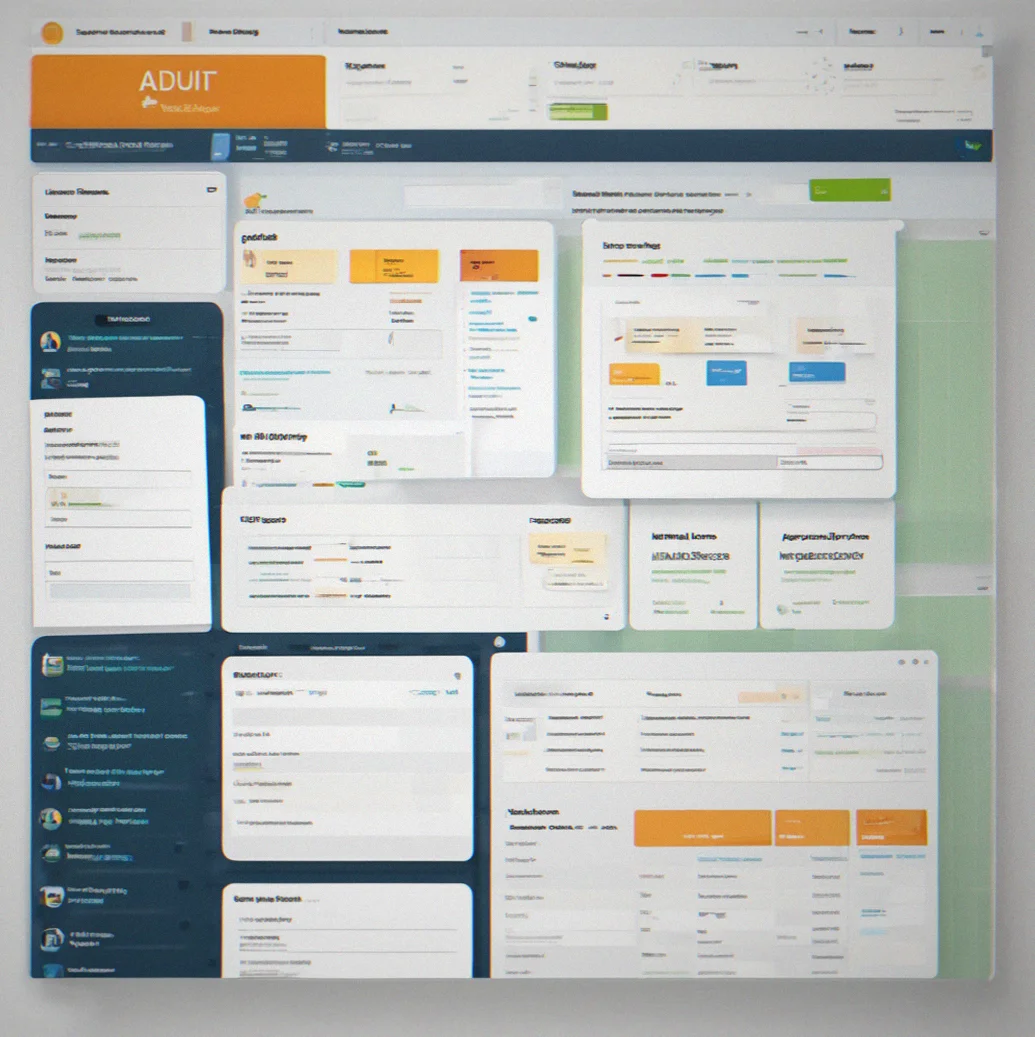
Every time someone opens a file, it gets logged. Who did it. What time. Where they were. When regulators ask for proof of access, you have the audit trail ready to show them.

You set rules and the system handles the rest. Keep tax returns for seven years, client work for two, draft proposals for three months. Files delete automatically when the time comes. No spreadsheets, no reminders, no manual work.
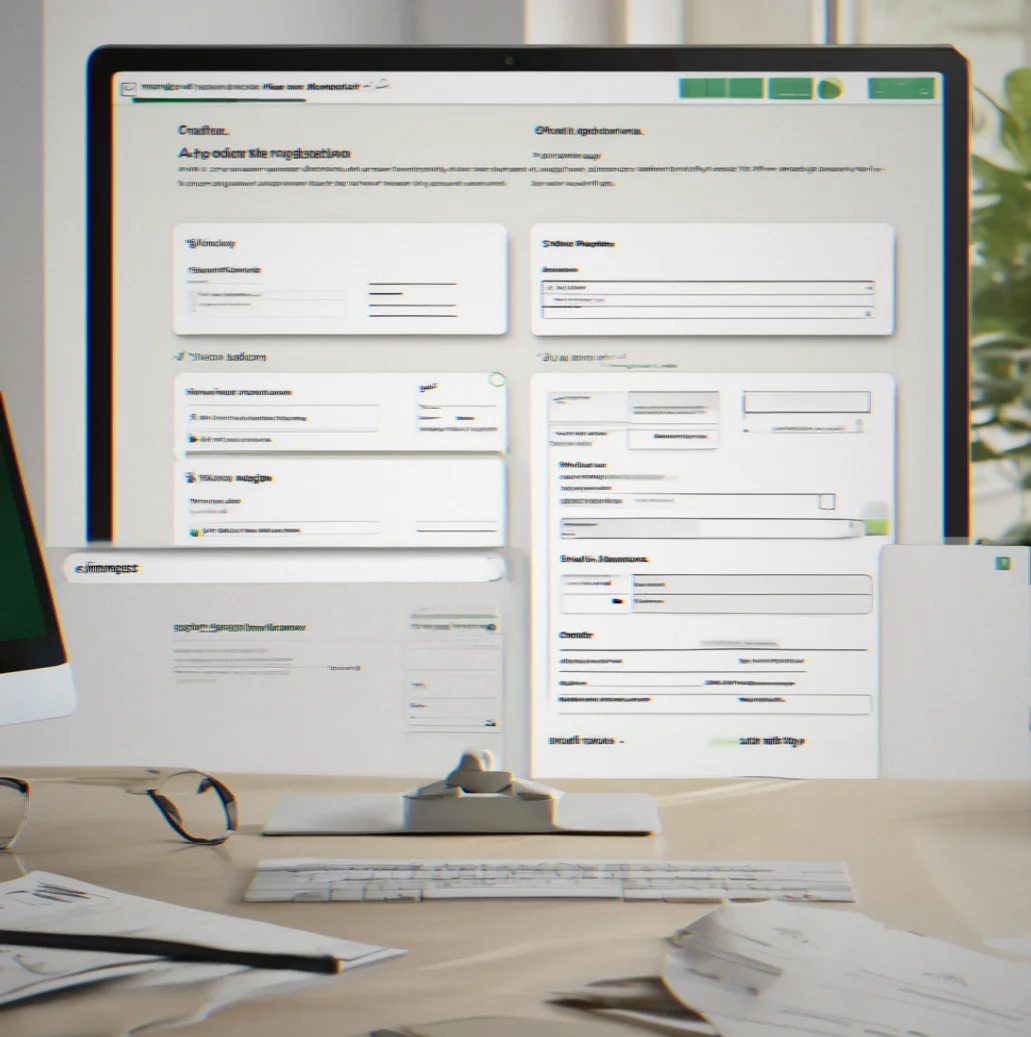
Clients log in and see only what's theirs. They can request documents and download them whenever they need. Stops the endless email chain where someone asks for the same file three times.

Everything's encrypted both at rest and while it moves. You hold the keys if you want them. We can't read your files. Not for any reason.
You probably have questions about how this actually works, what you'll spend, and whether it's going to solve your problem. Here's what you need to know.
Email and Slack both connect through OAuth in about 2 minutes each. Google Drive, OneDrive, Teams—same deal. You authorize it and we start indexing right away. The auto-filing gets pretty accurate within a week or so as the system figures out your naming patterns and who your clients are. You could manually sort things faster if you wanted, but most people just let it do its thing.
Fair question. Don't use us if you can't encrypt the files somewhere else first. That said, files are encrypted both at rest and while moving around. You can keep the encryption keys if you want. We do SOC 2 audits once a year. We literally can't decrypt your data—not to look at it, not to train models, not at all. Everything gets logged so you can see exactly who accessed what. And if your compliance team needs it, we'll sign a Data Processing Agreement.
Nope. Your email is still email. Slack is still Slack. We just read them, organize them, index them. You keep using whatever you're already comfortable with.
No. Client portals only show files you've actually shared with that specific client. Internal Slack channels, your notes, drafts—none of that gets exposed. You decide what each client sees, folder by folder and file by file. Everything starts private by default.
They either delete automatically or stick around automatically depending on the rules you set up. You get warned about 30 days before anything deletes, so nothing disappears without notice. You can always change your mind and stop a deletion manually. Plus you can export everything before you leave if you want.
The Starter plan runs $180 a month and covers up to 2 people with 50GB of storage. Professional is $480 monthly for up to 8 people and 500GB. Hiring a junior person to sort files ends up costing you somewhere between $2,500 and $4,000 every month, and then there's benefits on top of that. Most firms break even in the first three months just from the time they save during tax season or when you're dealing with audits or client disputes. And unlike a person, the organized system keeps working forever.
Absolutely. You get everything with metadata and timestamps and the folder structure exactly as it was. Takes about a day to prepare. We'll give you compressed files or we can ship it to you on a drive. No tricks. No vendor lock-in. Walk away whenever you want.
Not directly yet as a real-time two-way sync. But we can grab documents from most shared drives and email, so if your practice management system stores stuff in OneDrive or Google Drive or shared folders we'll index it. We're working on more integrations—just tell us what you need and we'll look into it.
Your communications need to stay private. You've got compliance rules you can't ignore. And the system you pick actually matters. Share what's going on here and we'll show you exactly how MellowLedger works for your situation (truly—no hard sell and we only jump on a call if you want to).